Skip to Content

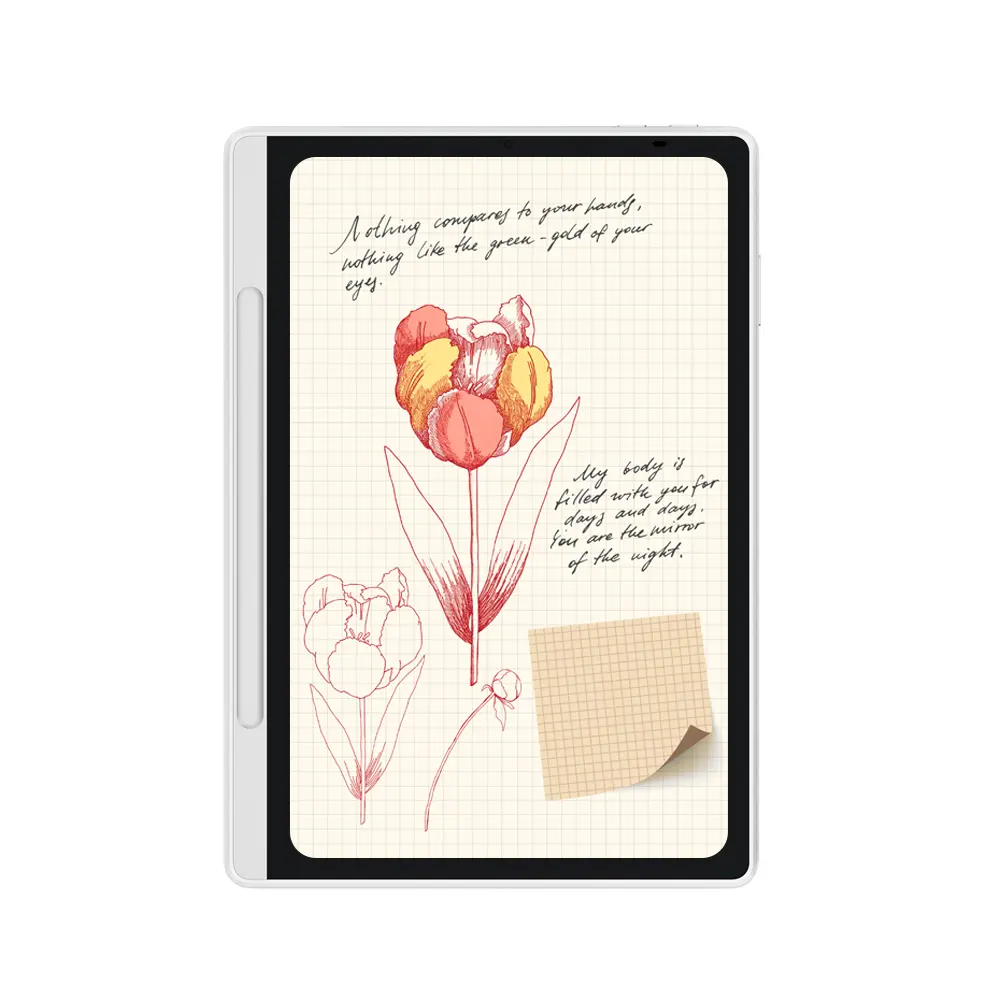
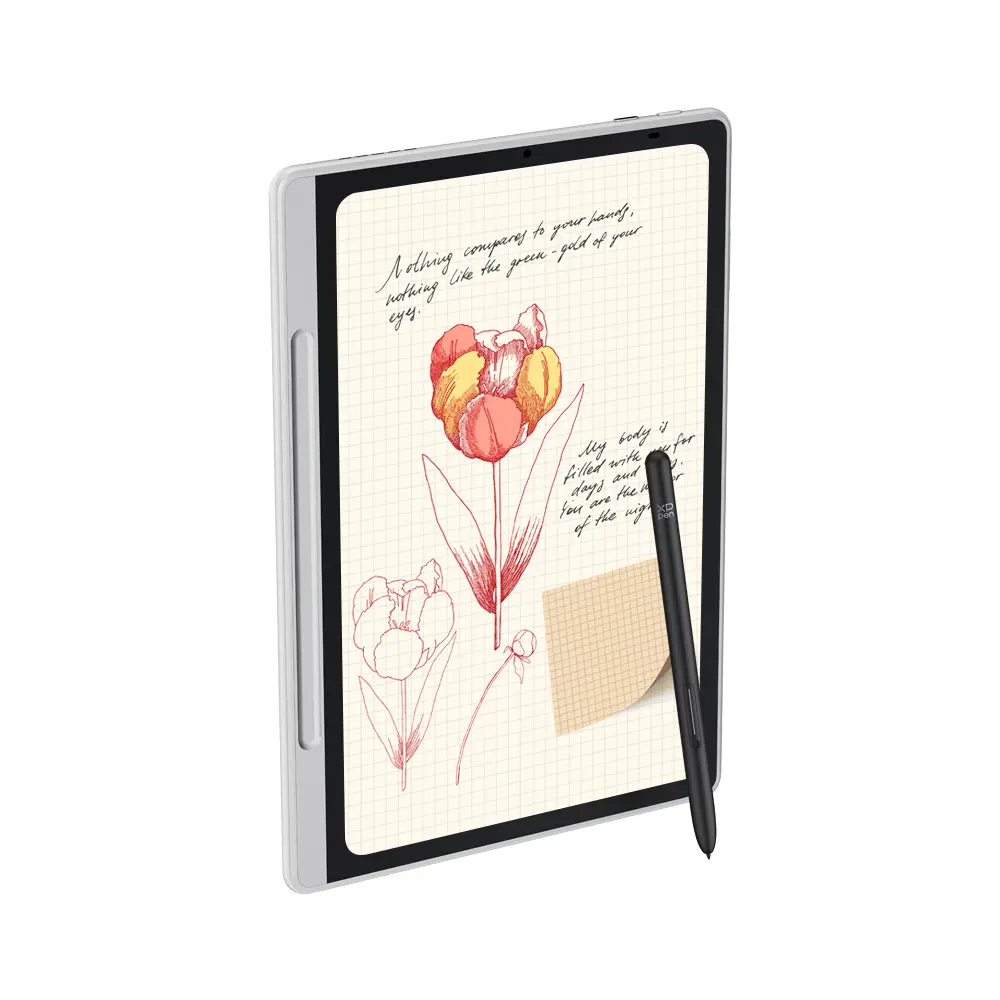
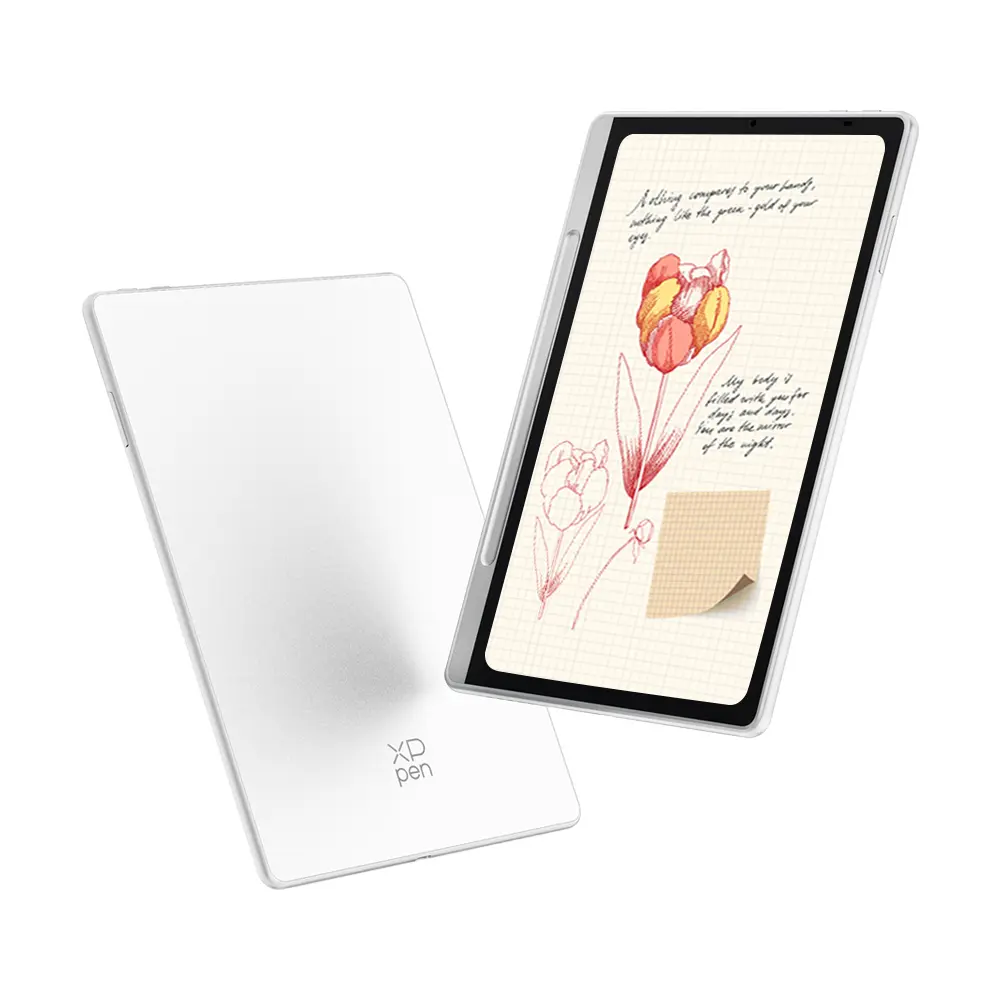
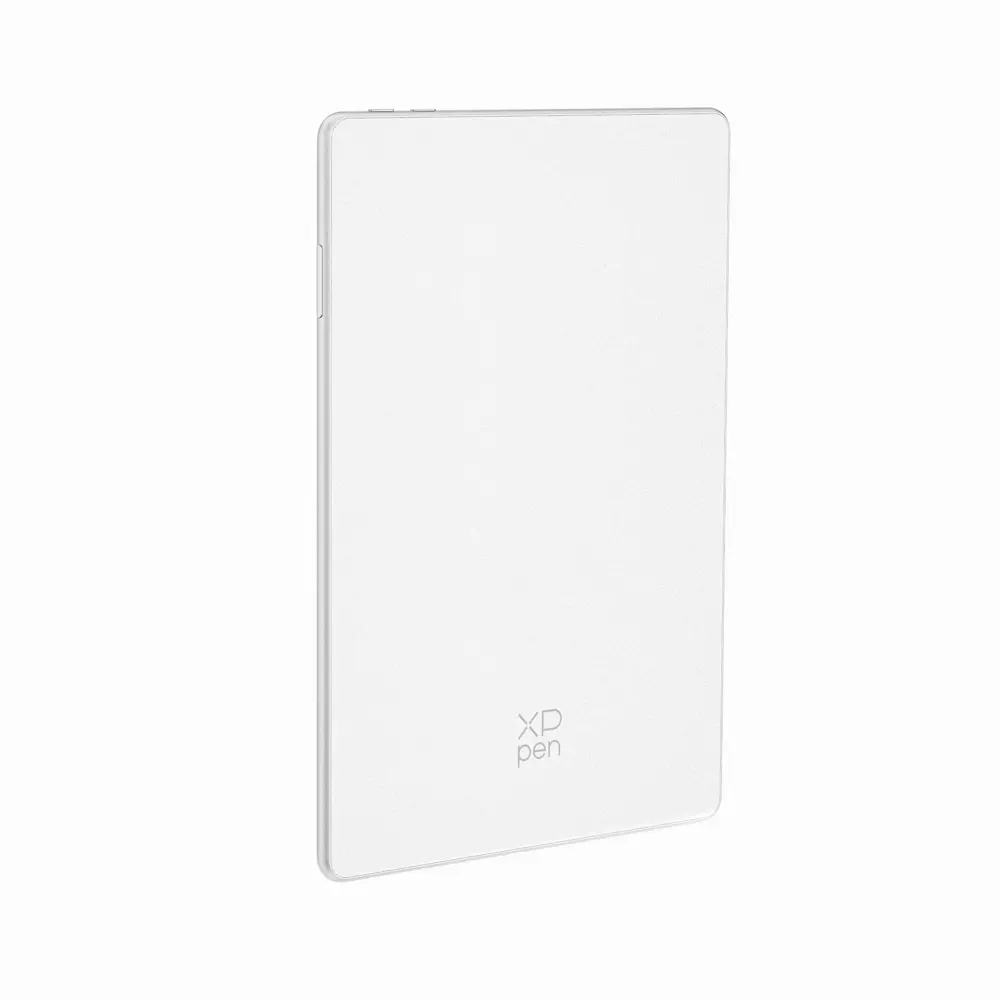
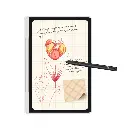
XPPen Magic Note Pad

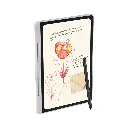
https://www.laptopfactorymalta.com/web/image/product.template/18219/image_1920?unique=7a0ff01

€ 349.00 349.0 EUR € 349.00 Tax Included

€ 349.00 Tax Included

Not Available For Sale

This combination does not exist.

Interested? Reach out to us via Facebook Messenger or Contact Us directly, and we’ll get back to you within the day!

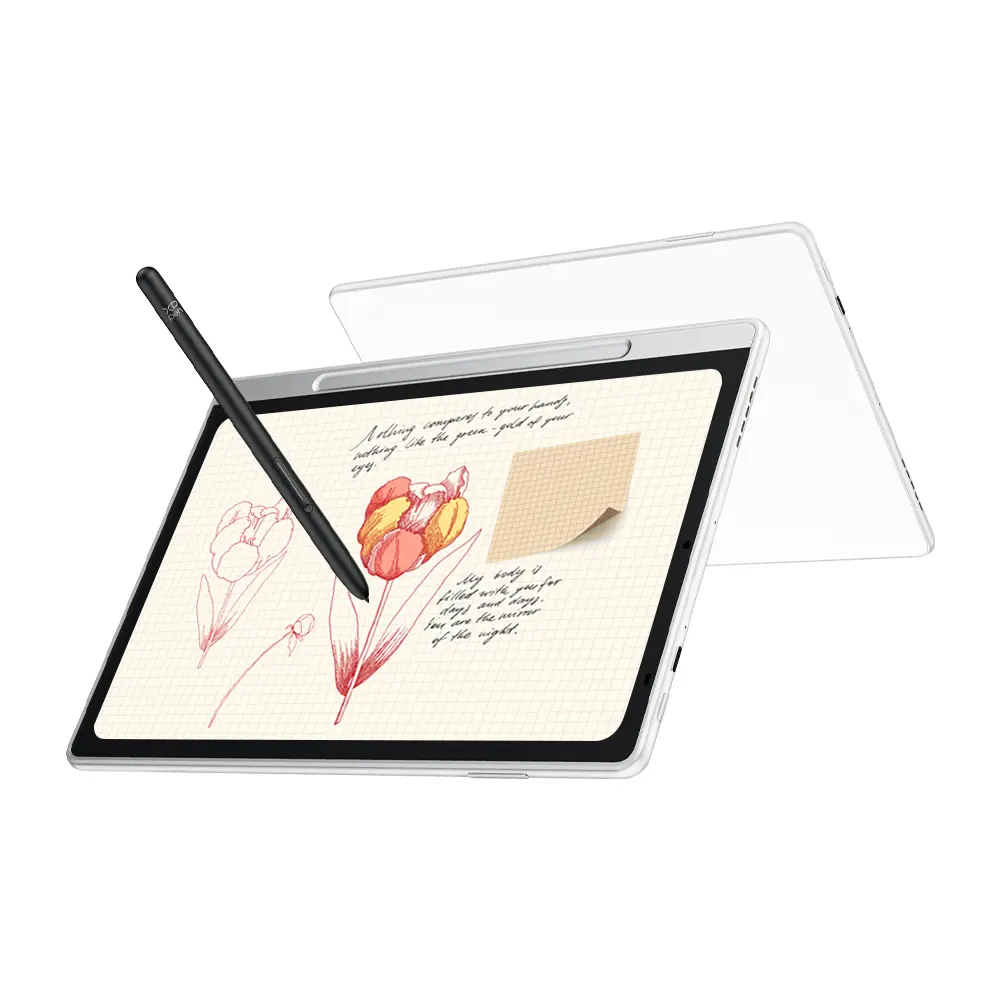
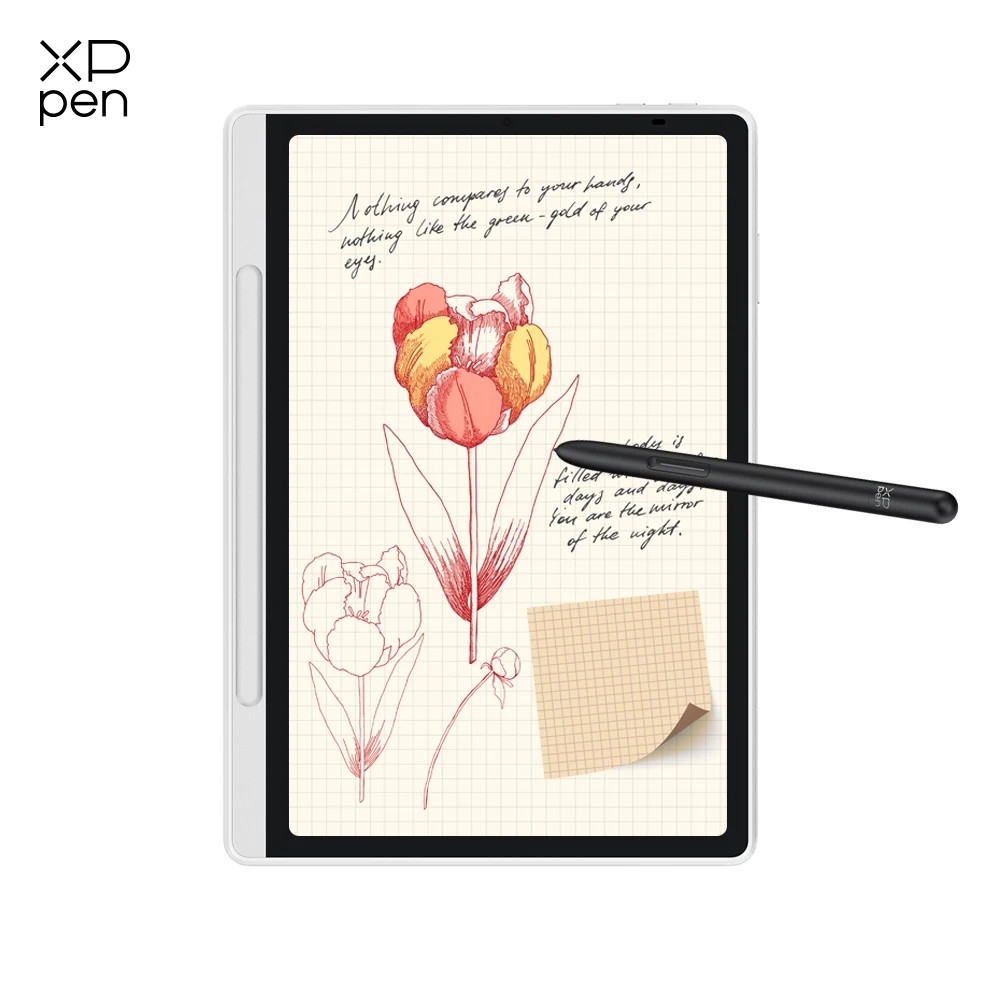
Magic Note Pad

Blended Color. Note Magic.

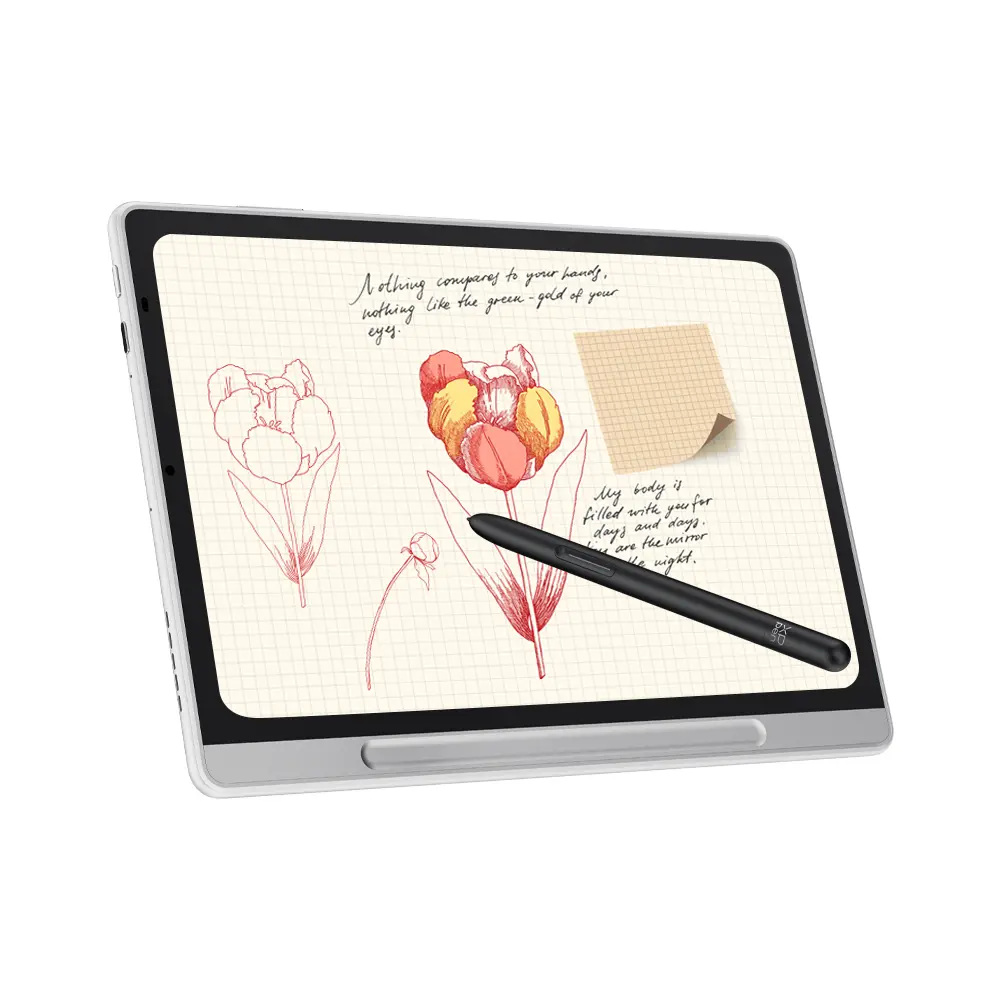
World's First 3-in-1 Color Note Pad

3-in-1 X-Paper  | 16K Pressure Levels | XPPen Notes App

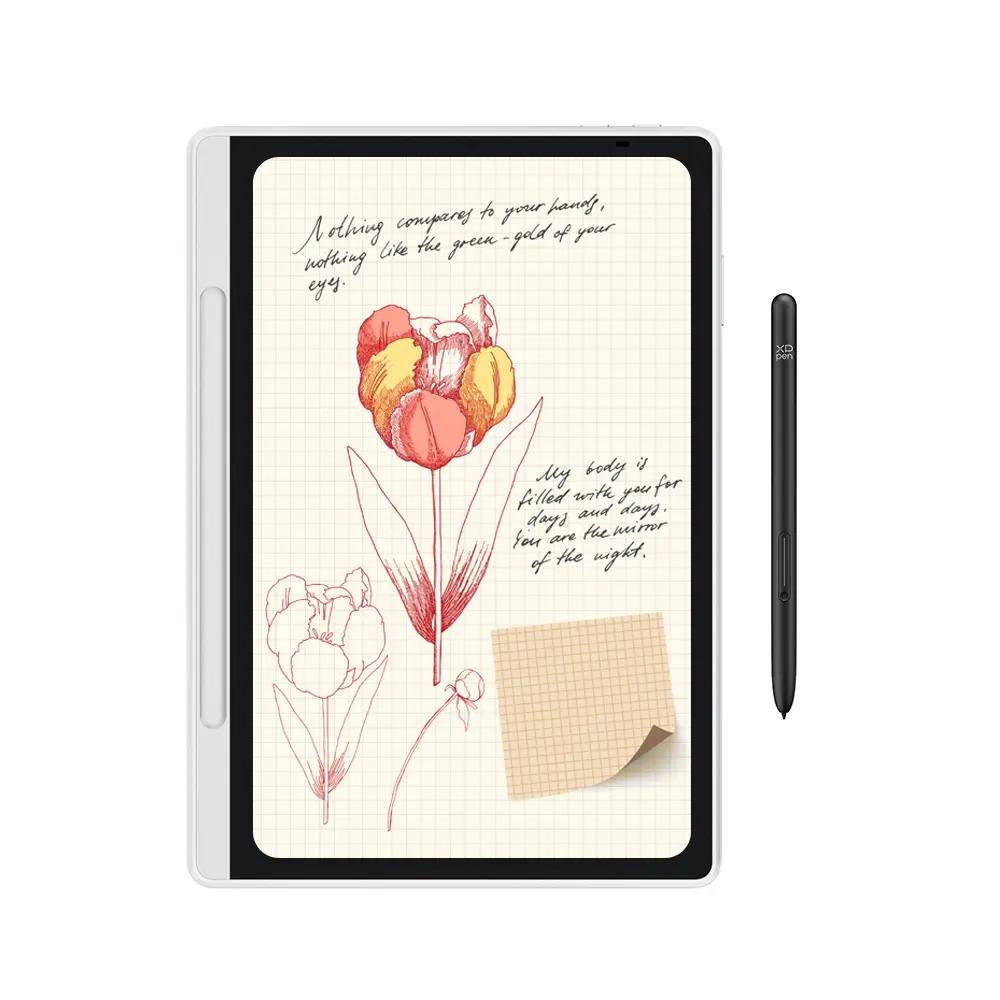
Magic Note Pad


It is the color note pad you have been waiting for a long time.


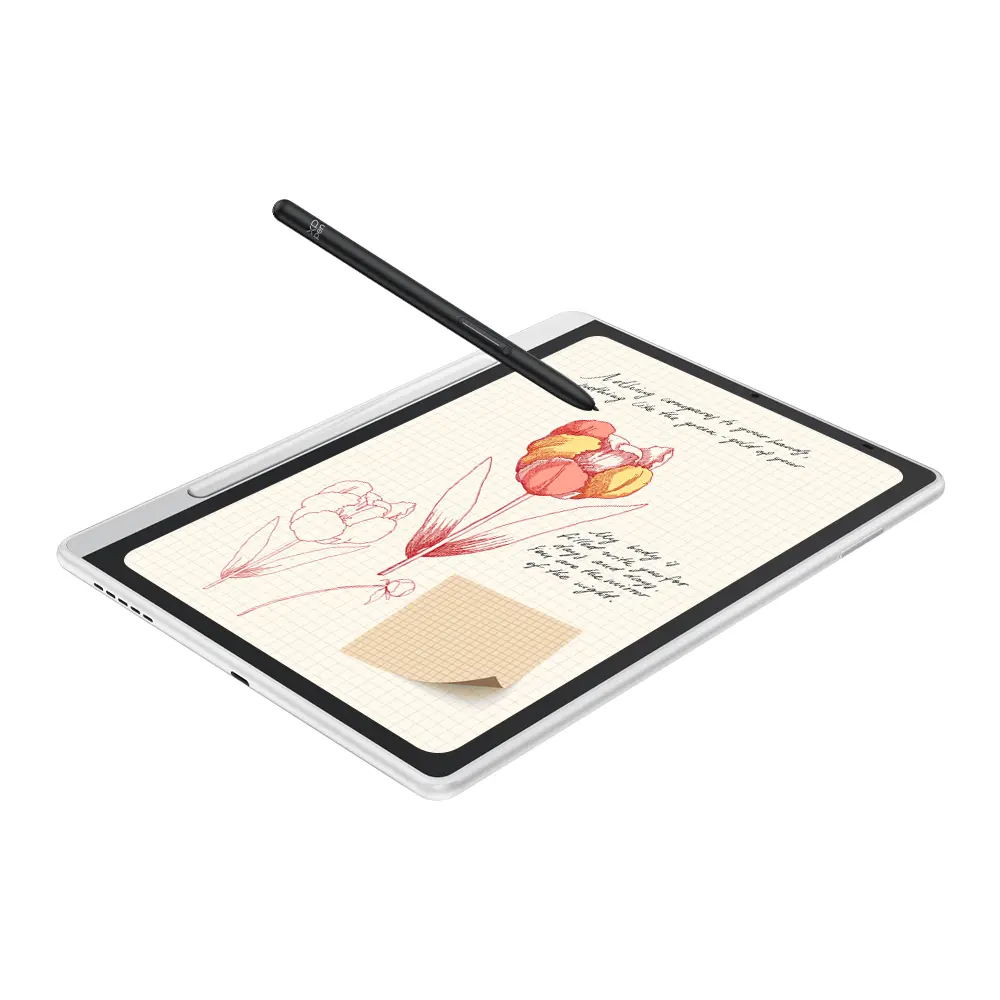
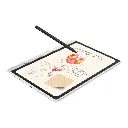
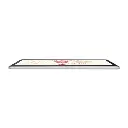
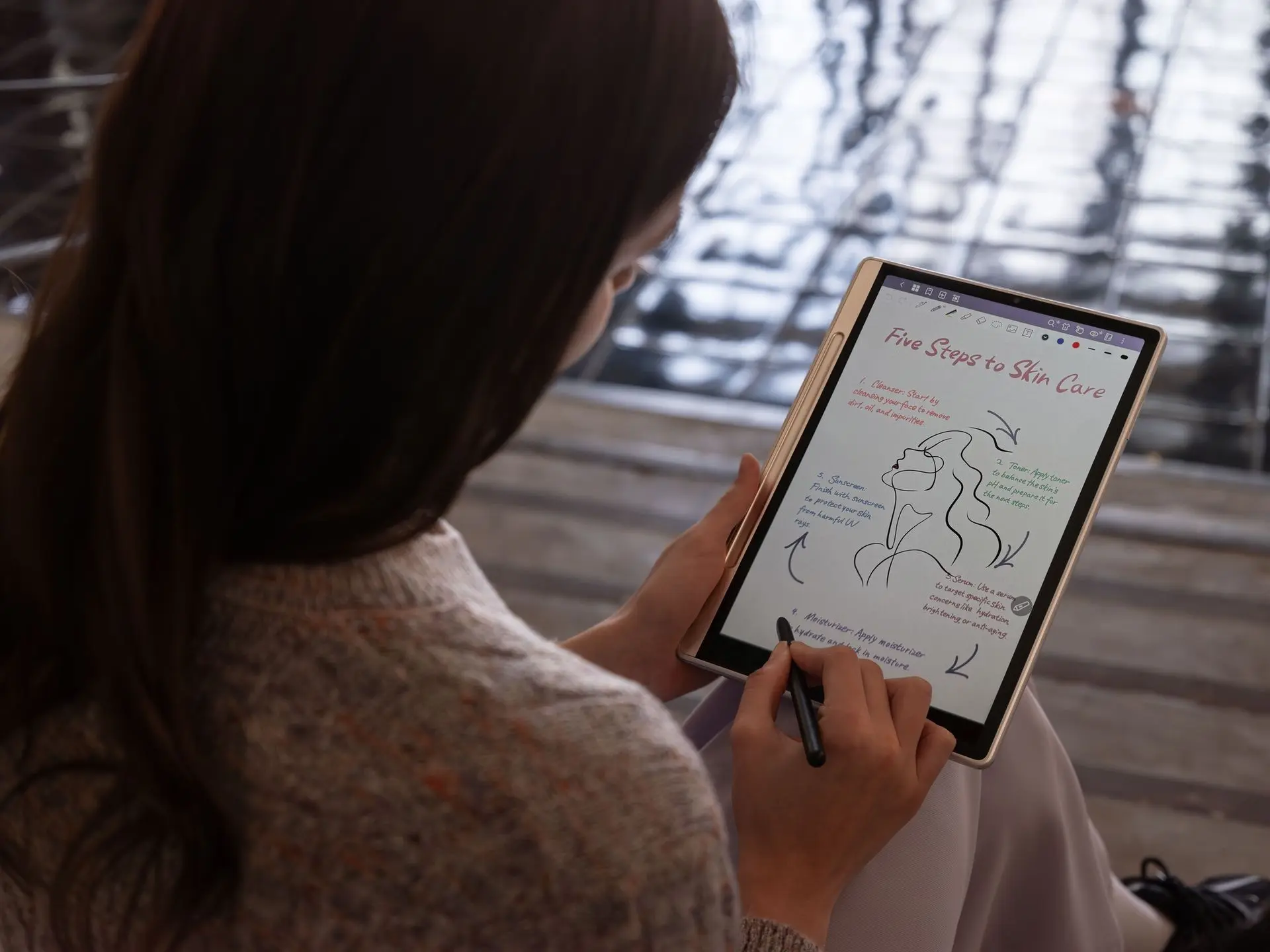
The exceptional X-Paper display transforms the way you read, write and create, thanks to the high refresh rate and three color modes.

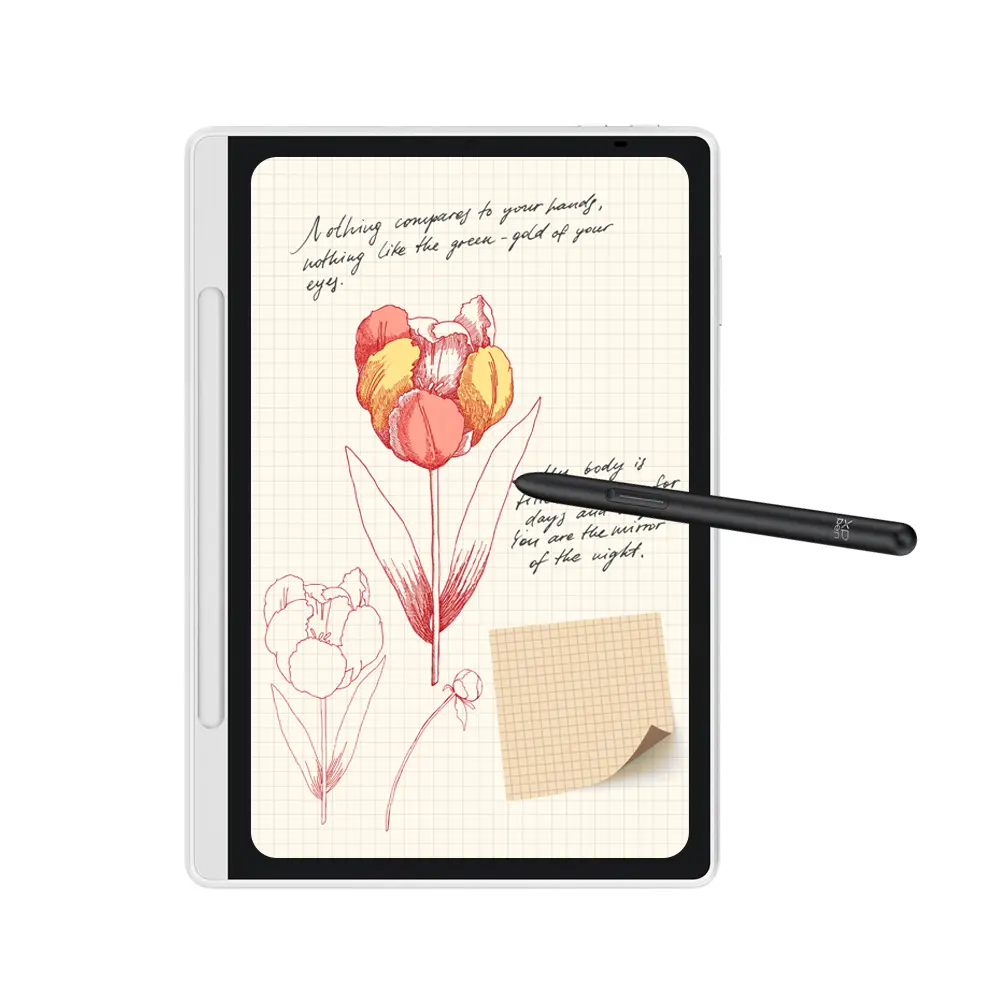
Combined with the 16K ultrasensitive X3 Pro Pencil 2 and XPPen Notes app, you can capture your inspiration with remarkable smoothness and efficiency.


Not only is it proud of its powerful functionality, but the slim and stylish Magic Note Pad is also your best productivity partner. Thanks to its native Android system, you can download various apps for office, education, and entertainment.


Key Specs - Magic Note Pad

X-Paper Display - Read and Write As If On the Paper
X-Paper Key - One Press to Switch Between Three Color Modes
16.7 Million Colors - Restore the Original Color
90Hz Refresh Rate - Present Clear and Dynamic Contents
TÜV SÜD Certification - Low Blue Light, Easy on the Eyes
X3 Pro Pencil 2 - 16K Ultrasensitive Pressure Levels
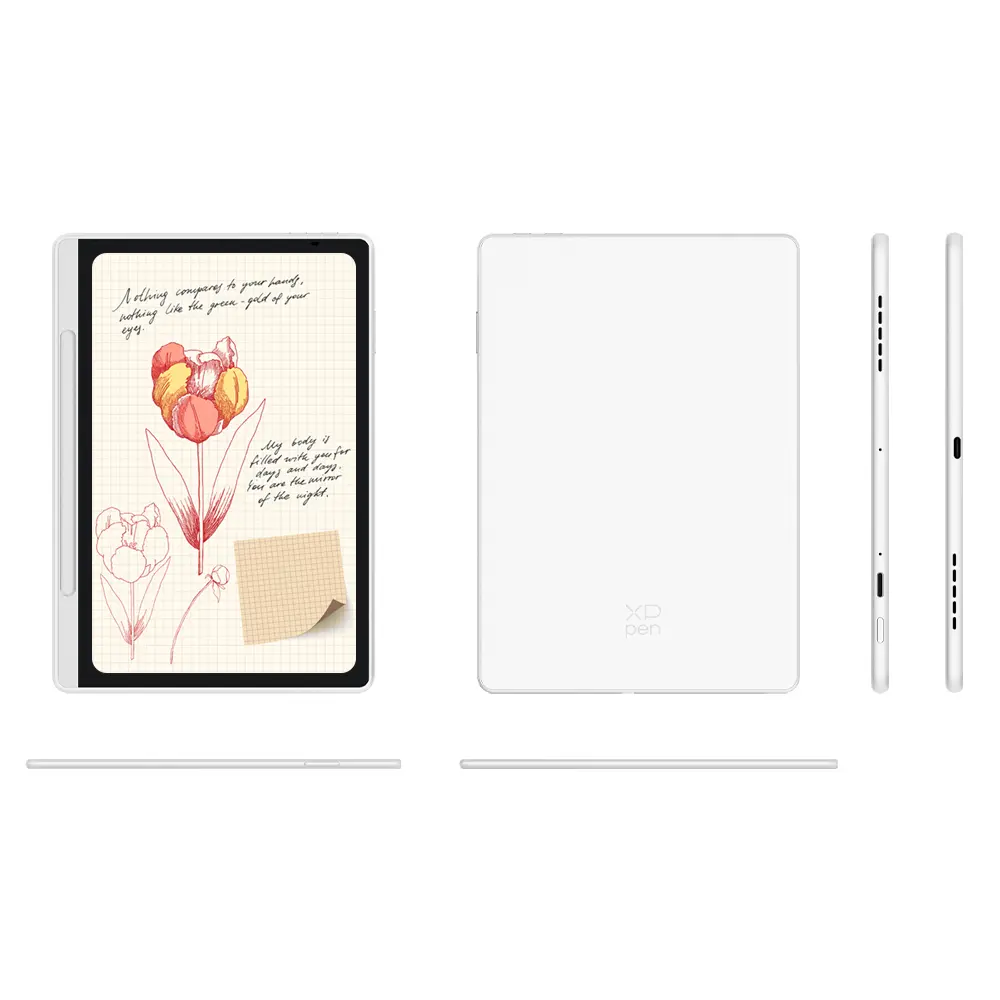
Magnetic Pen Slot - Store Your Pencil Easily
XPPen Notes App - Wake Inspiration by One Click
Android 14 System - Open System, Countless Android Apps

No Limits on Display - Display

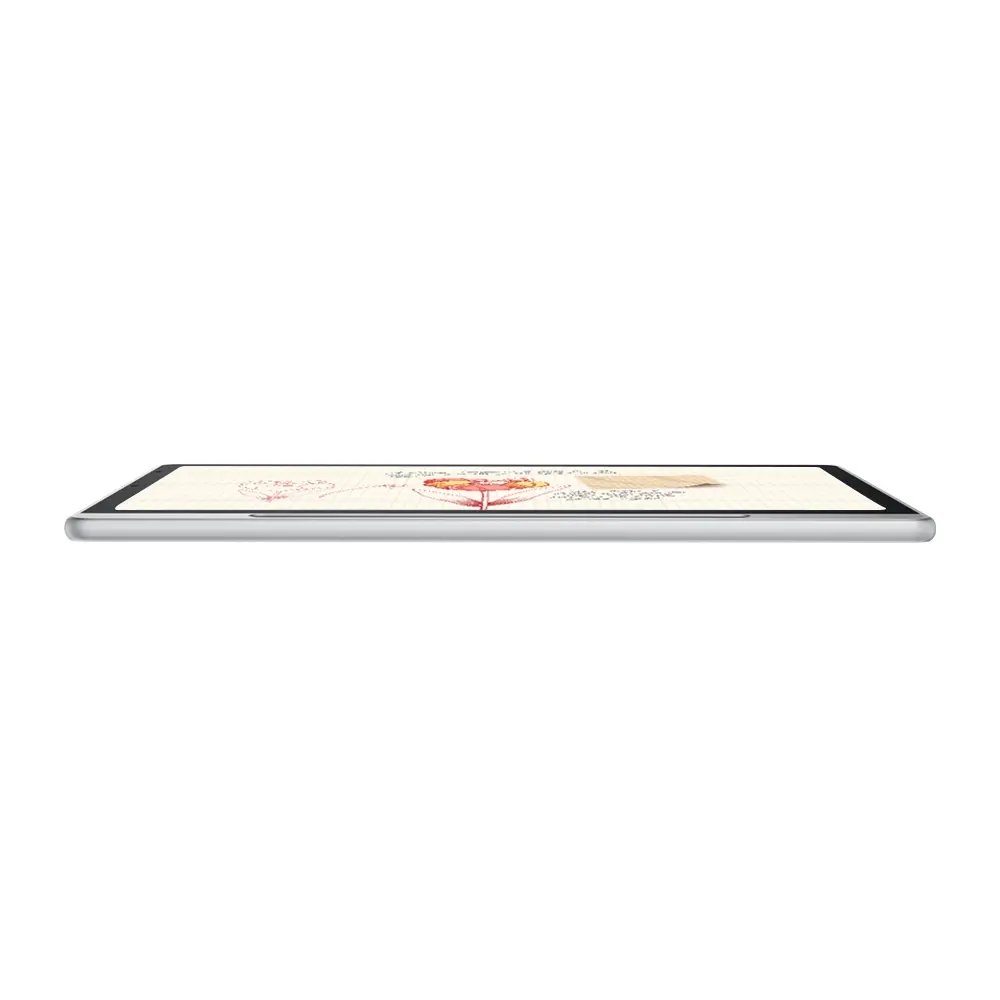
The brand-new 3-in-1 X-Paper display elevates overall picture quality to a remarkable level, providing a paper-like visual experience with authentic colors, smooth motion, and distinct details.

Read or Write, Just Like On Paper

The AG nano-etched display significantly reduces reflection and glare. Every letter you read or write appears as if it is on paper. The visual and tactile comfort of the Magic Note Pad makes it an exceptional tool for your creative process.

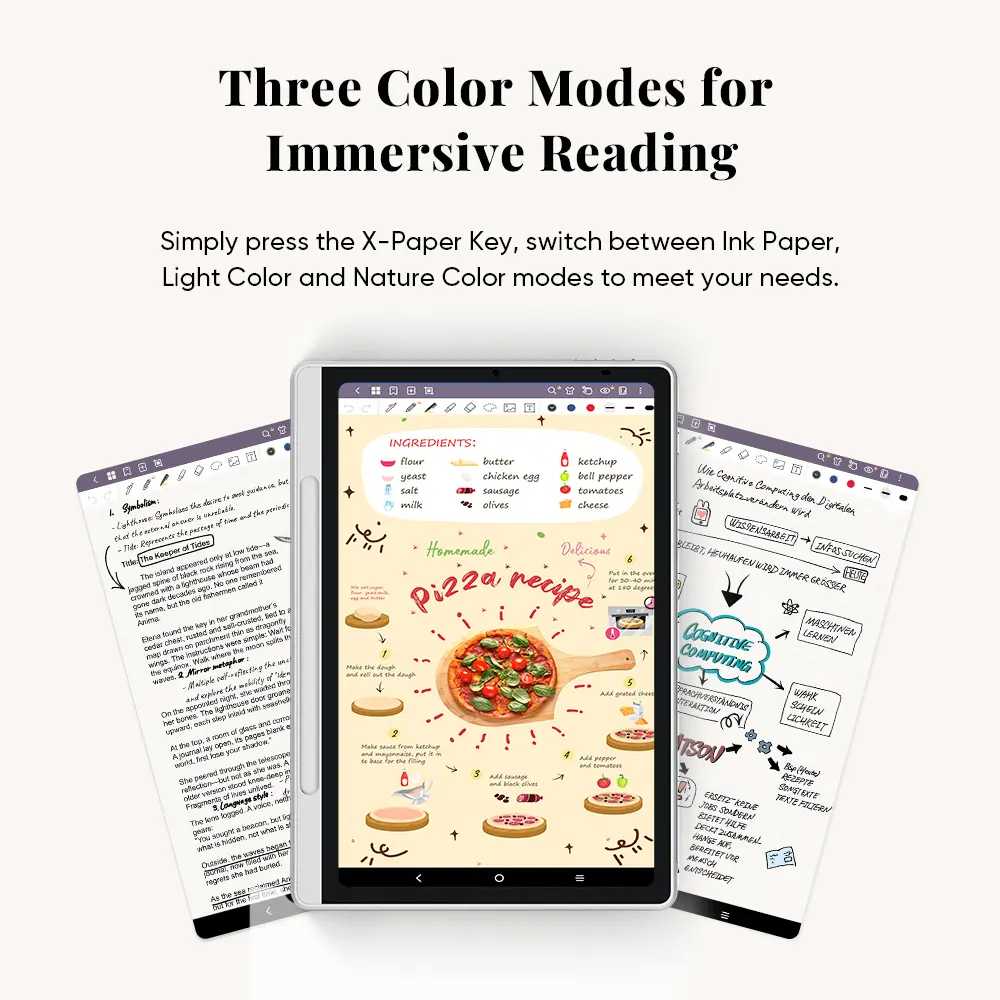
Three Color Modes for Immersive Reading

Forget about the limited color of e-ink. Simply press the X-Paper Key, and you can easily switch between three color modes to meet different needs.


  1. Nature Color Mode: Present the original colors vividly and delicately
  2. Ink Paper Mode: Paper-like black-and-white display for immersive reading
  3. Light Color Mode: Low saturation color display, release eye fatigue


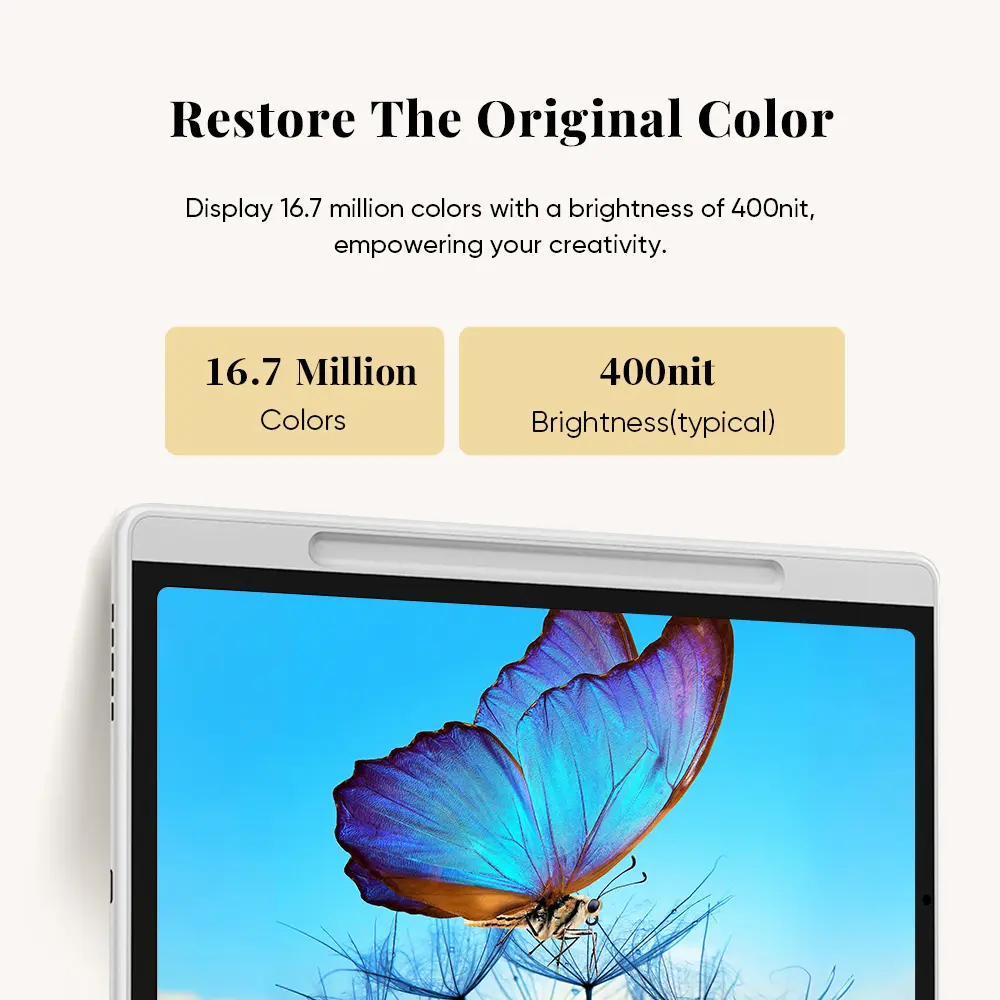
Restore The Original Color

Color matters for your creative process. The Magic Note Pad supports the display of 16.7 million colors with a brightness of 400nit. Its industry-leading color rendition capabilities not only enhance your reading and note-taking experience but also empower your creativity.


  • 16.7 Million Colors
  • Brightness(typical) 400nit

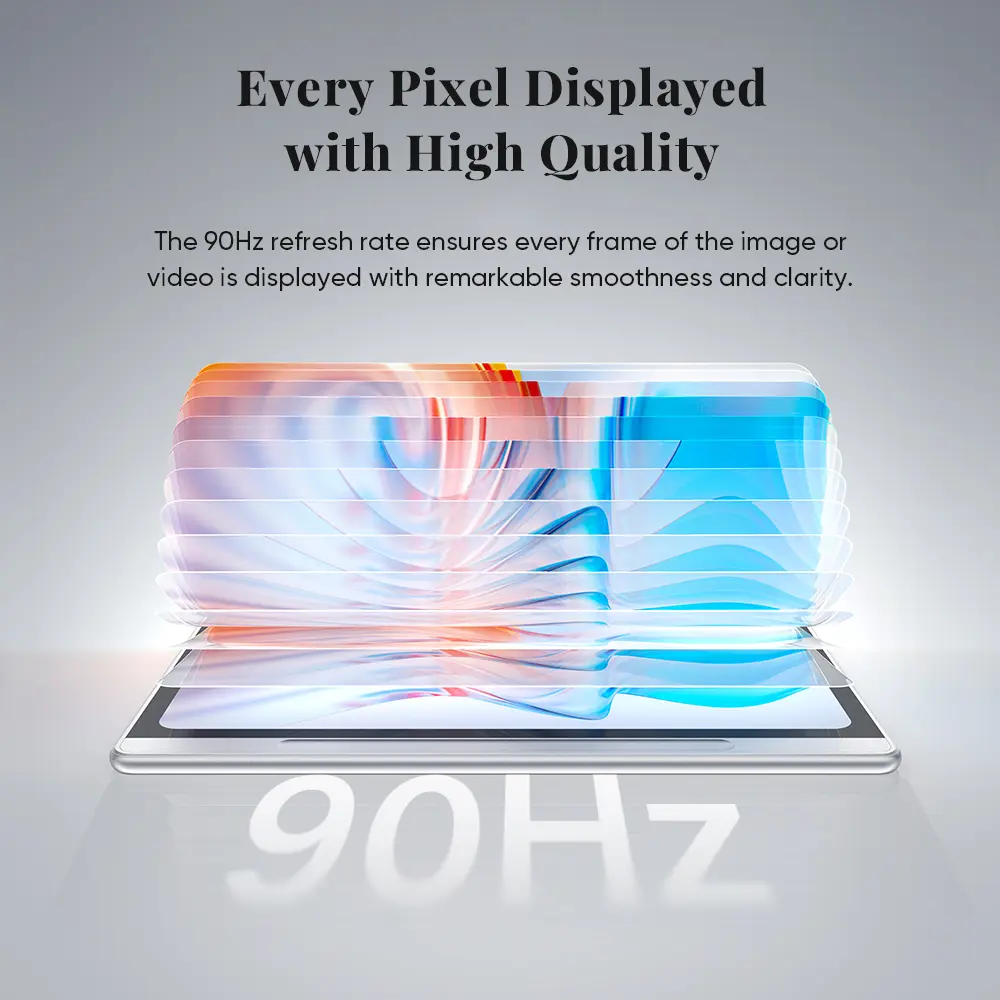
Every Frame Displayed with High Quality

The display's refresh rate has reached 90Hz, a new benchmark for note pad. Each frame of the image is displayed with remarkable smoothness and clarity, greatly minimizing motion blur when watching fast-moving content. 90Hz Refresh Rate


Low Blue Light, Easy on Eyes

Magic Note Pad cares for your eyes. It has gained TÜV SÜD Low Blue Light Certification and Paper-like Display Certification. The display eliminates image flicker and minimizes harmful blue light as much as possible, making it more comfortable for your eyes.

No Limits On Record - Recording Function

XPPen Notes, the native note-taking app, is developed specifically for you. Enjoy seamless noting with permanent membership.


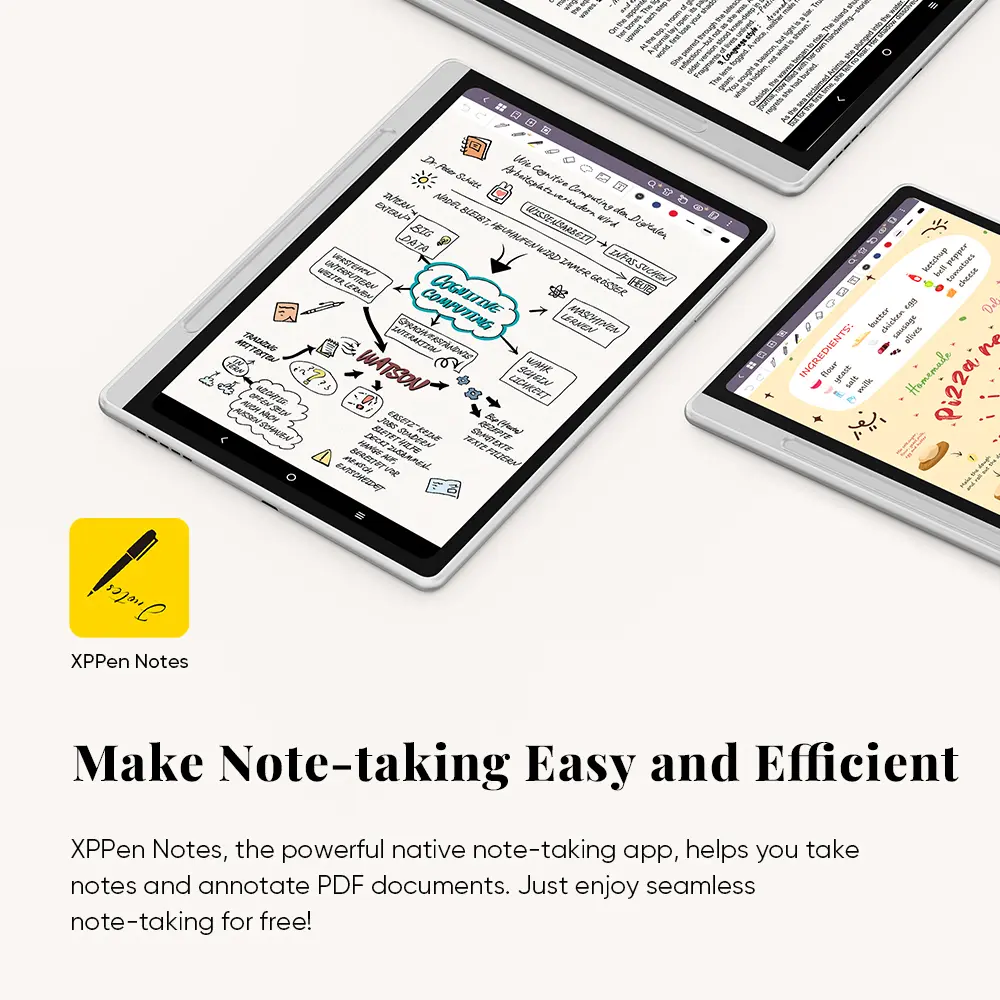
Make Note-taking Easy and Efficient

Co-developed with Jnotes, a professional note-taking app developer, the XPPen Notes is a powerful native app that helps you take lecture notes, annotate documents, and create artistic paintings. Every function is designed to capture your bursts of inspiration, in-depth thinking, and creative expression at any time.


Special Functions to Level Up Your Efficiency

A variety of special functions have been developed to enhance your daily productivity and convenience.

  • Wake Inspiration by One Click - When inspiration strikes, you can hold the button on the pen while tapping the screen, the device will immediately wake up and open XPPen Notes for you to record ideas.
  • PDF Files Import & Editing - All your PDF documents can be imported into the XPPen Notes. Open the reading mode to add notes, marks, comments, hyperlinks and translations. The edited files can be exported to PDF documents or images.
  • Multiple Pen Brushes Selection - Our app provides five different pen brush effects, including pencil, pen, highlighter, laser pen, and ballpoint pen to meet various user scenarios.
  • Convert Handwriting to Text - By activating the conversion function, the app can automatically recognize over 50 handwriting languages, convert your input into text, and transform it into various fonts.
  • Recording Follows Handwriting - The app supports sound record function to ensure that no important information is missed in class or meetings. After recording, you can play back the recording to take bullet notes.
  • Device & Cloud Storage - Once you finish taking notes on the app, it automatically saves your notes on the device. You can also choose to upload them to OneDrive or Google Drive, allowing you to easily edit files across different devices.


No Limits on Strokes - Stylus

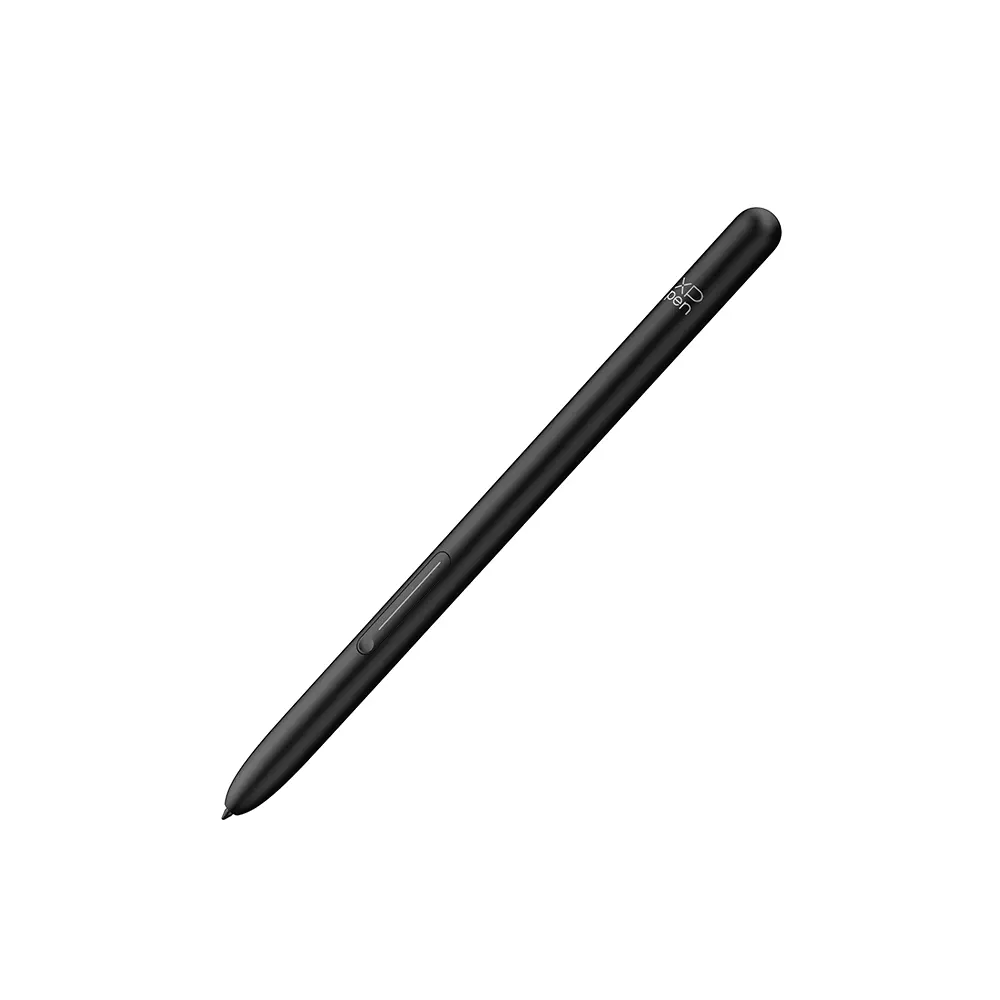
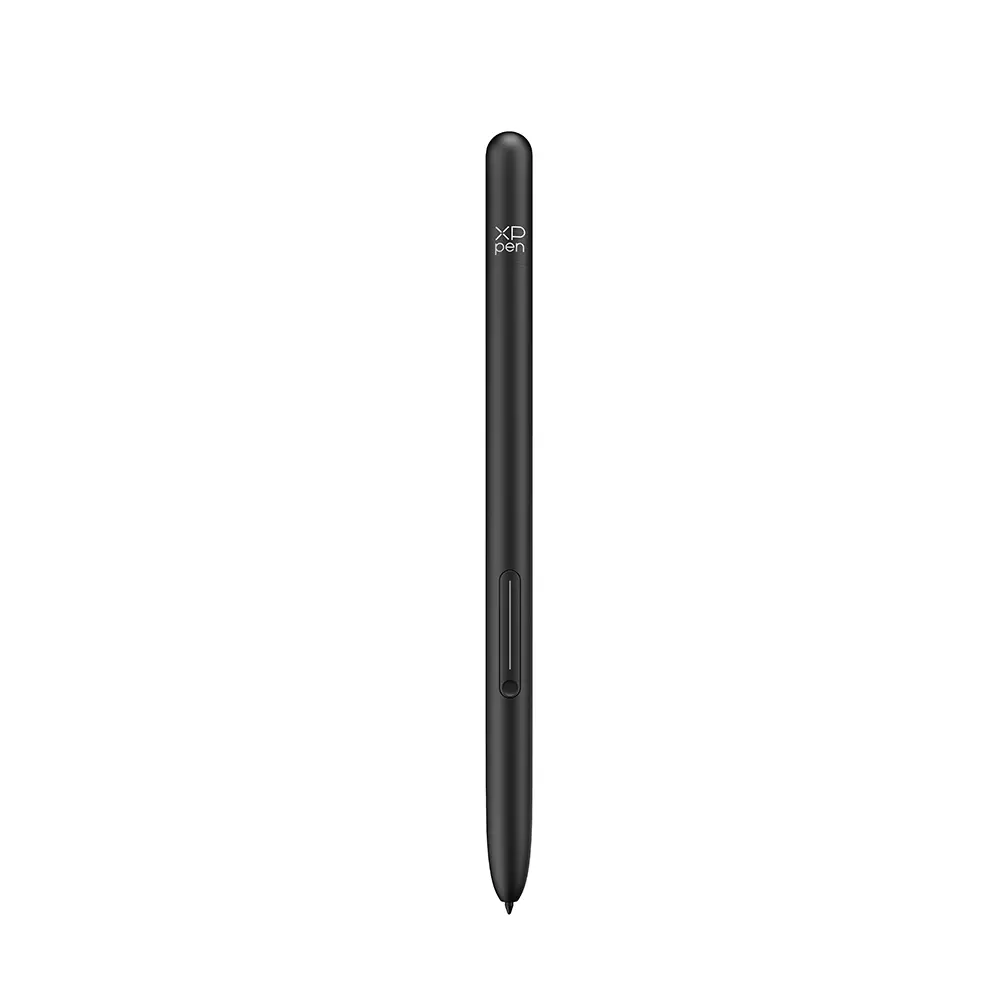
Here comes the newly upgraded X3 Pro Pencil 2. With its soft nib and shortcut keys, the whole writing experience will be more tailored.

Industry-leading 16K Pressure Levels

The pressure levels of the note pad have reached a new peak. Powered by the X3 Pro smart chip, the X3 Pro Pencil 2 features ultra-sensitive 16K pressure levels, ensuring that every stroke you write is smooth and delicate.


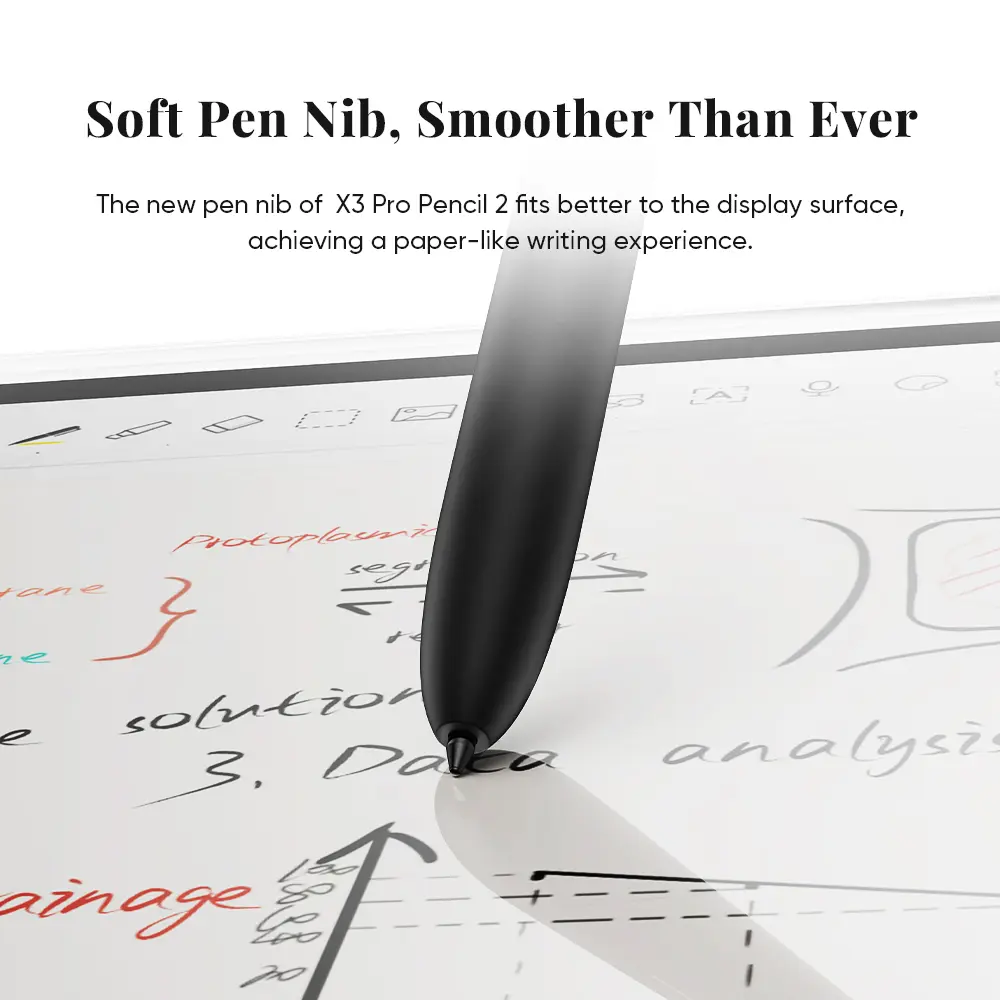
Soft Pen Nib, Smoother Than Ever

You've got a new soft pen nib. Its shape is similar to that of a gel pen, making it suitable for writing. The soft pen nib also fits better to the display surface, achieving a paper-like writing experience.


Magnetic Suction, Easy Packing and Storing

The X3 Pro Pencil 2 supports magnetic suction. You can put the pencil in the pen slot. There is no need for charging or pairing. You can capture your inspiration or take a break immediately.


Customized Shortcut Keys, Boost Your Efficiency

The shortcut keys on the pencil allow for customization. You can quickly switch to the eraser function or set up additional functions, making your creative process more efficient.


Make Note-taking Easy and Efficient

Co-developed with Jnotes, a professional note-taking app developer, the XPPen Notes is a powerful native app that helps you take lecture notes, annotate documents, and create artistic paintings. Every function is designed to capture your bursts of inspiration, in-depth thinking, and creative expression at any time.


No Limits on Experience - Hardware and software

The Magic Note Pad features an Android system, a compact size, ample storage space and a magnet folio, making it your portable creativity powerhouse.

Download countless Apps in Google Play

Thanks to the native Android system, millions of apps from the Google Play are readily available for you. Whether you need applications for education, office, or entertainment, you can choose from a wide variety that meets your needs!


Smoother Operation, Larger Storage Space

Coming with 128GB of ROM for its storage capacity, it ensures smooth performance and can store various documents. Let it be your portable bookshelf!


Carry the Inspiration with You

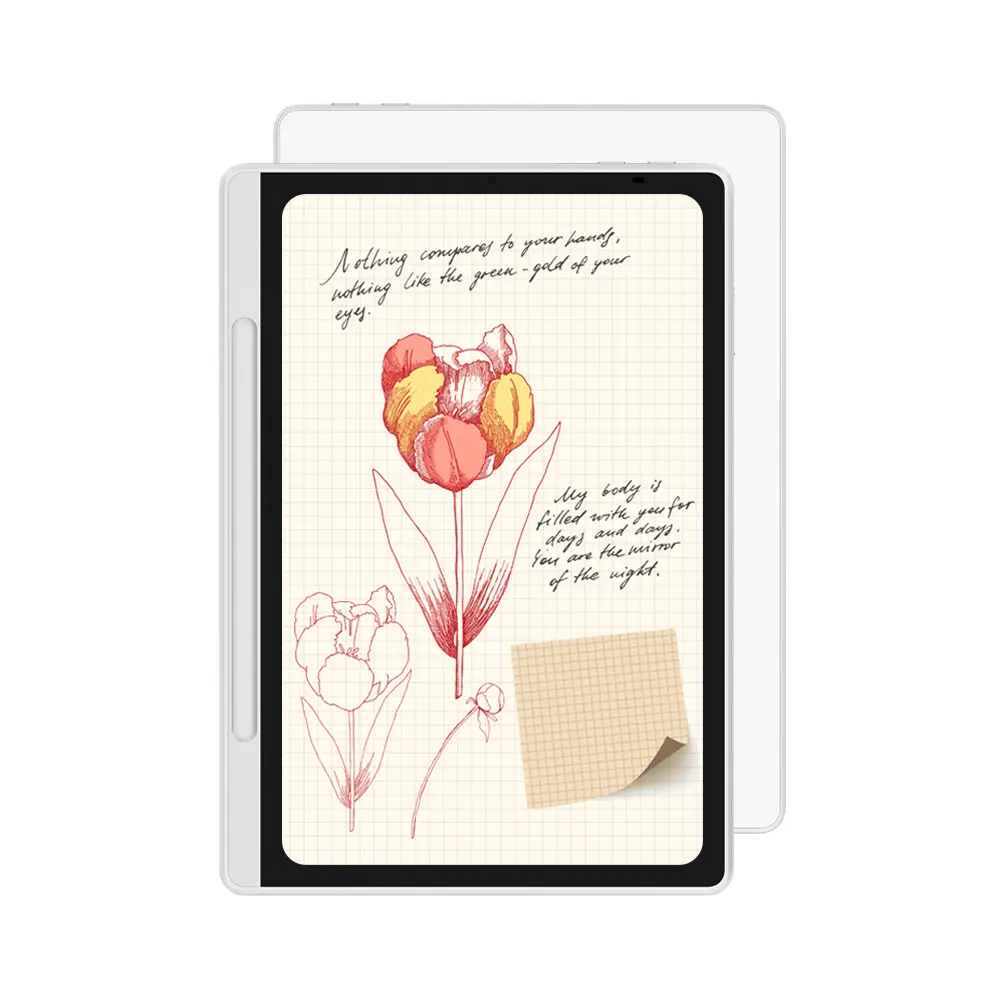
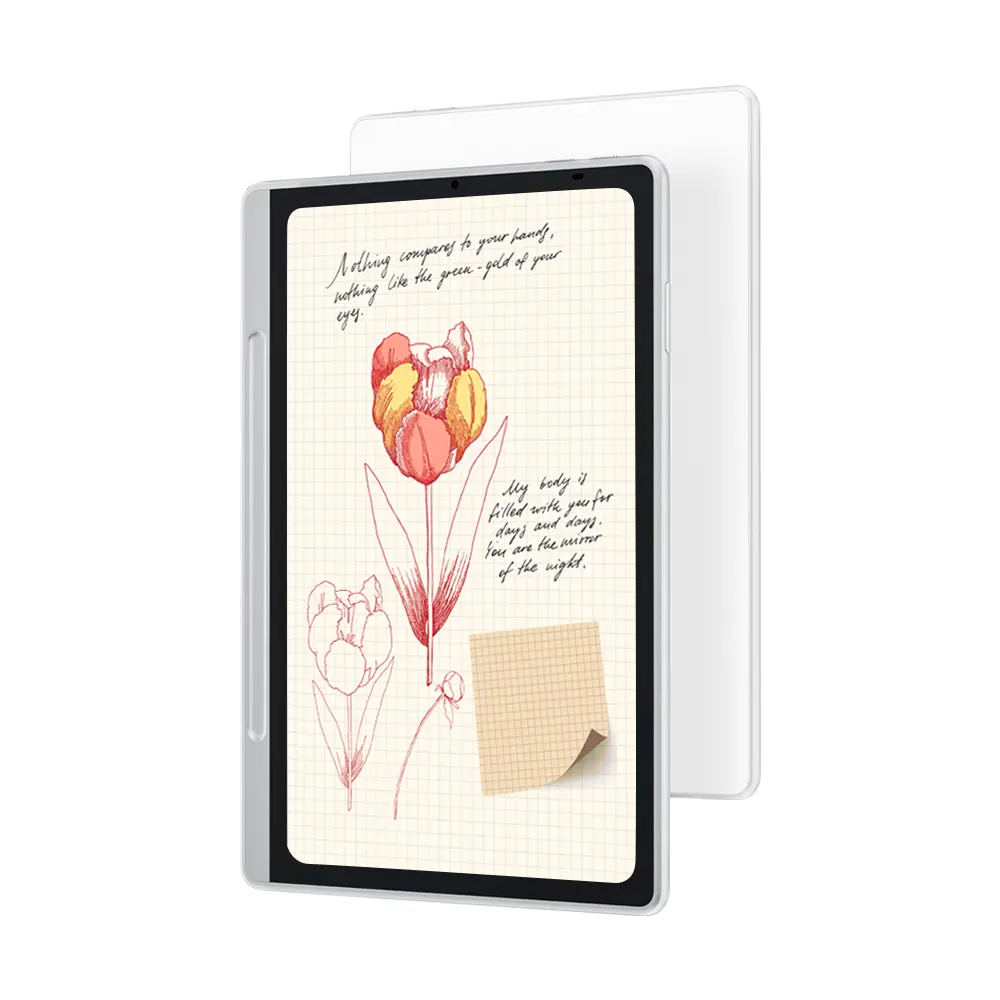
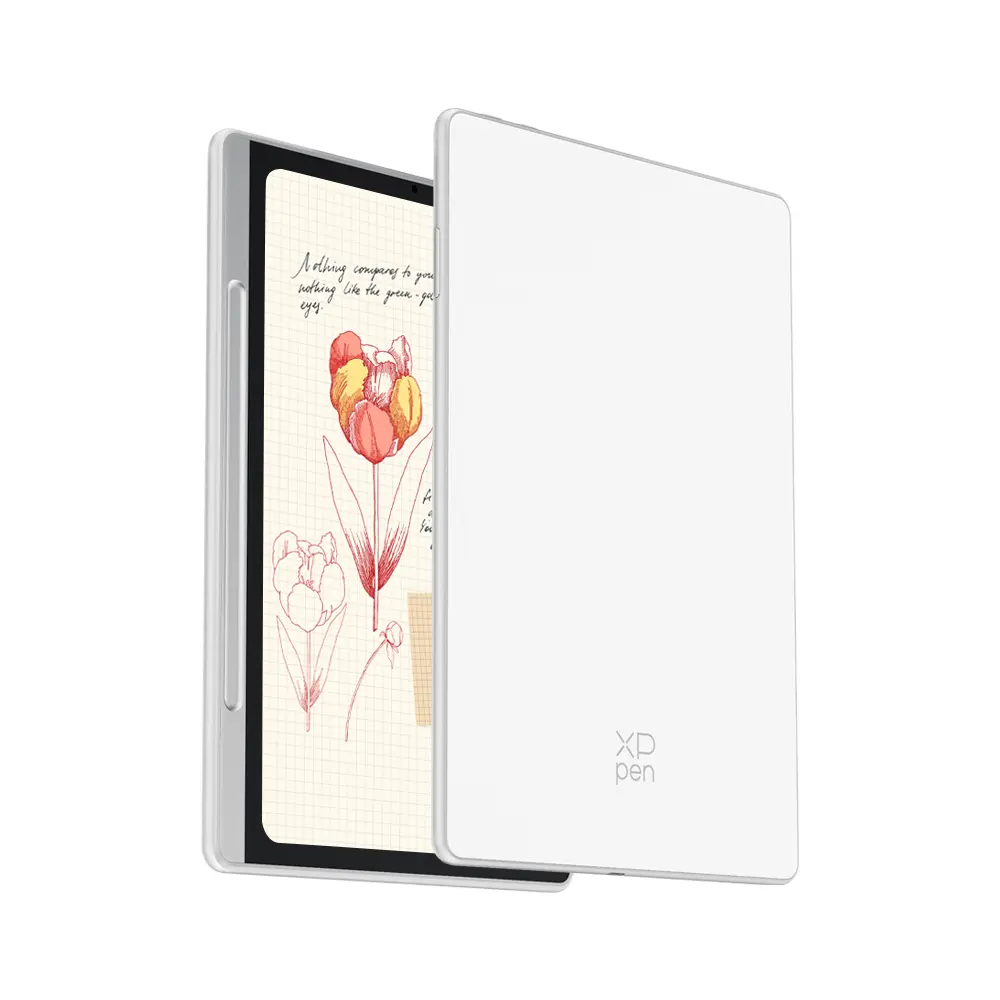
Weighing only 495g and measuring 7mm thick, Magic Note Pad fits perfectly into the magnet folio. It offers a comfortable hand feeling and strong magnetic adhesion. The magnet folio also protects your device from scratches and crash, making it your best partner for mobile creation.


Strong Battery, Stay All-time Active

The 8000mAh battery is powerful enough to support the Magic Note Pad for one week*. With a 20W charger, you can recharge the device quickly and efficiently. Say goodbye to battery anxiety from now on!


*Normal-saving mode, 50%  brightness, daily usage time 3-4 hours.The battery life is based on test data. Actual battery life may vary depending on individual usage habits.


Gears For Remote Meeting

Here are more gears for your remote meeting.The device features a 13-megapixel front camera, two speakers, and two microphones. Take it with you on your business trip and start your remote meetings from anywhere.


More Functions to Power Your Inspiration

You can operate the Magic Note Pad with the X3 Pro Pencil 2, your fingers and gestures for more convenience and efficiency.


Tap to Screenshot and Annotate

To take a screenshot, press the button on the pencil and tap on the screen once, screenshot will be captured immediately. You can then annotate the screenshot directly in XPPen Notes.


Pen Floating Button

Tap the pen floating button on right side of the display to open the shortcut panel for quick actions.


Screen Splitting

When using an app, if you need to split the screen to view content from another app at the same time, you can click the split screen function in the pen floating button. The system will automatically enable the split-screen feature for both apps.


Discover More Magic with Magic Note Pad

The Magic Note Pad is designed to meet the diverse note-taking needs of business and academics, aiming to enhance the work and study efficiency with comprehensive performance.

  • Instant Note-Taking - Whenever inspiration strikes, wake up the product with the X3 Pro Pencil 2 and write down your thoughts immediately.
  • Document Annotation - Whether it is office documents, lecture content or e-books, you can annotate using various functions.
  • Digital Reading - The X-Paper display and three different color modes provide an immersive paper-like reading experience.
  • Meeting Minutes - During meeting or discussion, you can use XPPen Notes app to record the voice and write down the bullet points.
  • Creative Draft - Rich graphic templates and stickers are provided and you can use them to create more inspirational ideas.
  • Movie & Entertainment - With 90Hz high refresh rates, you can smoothly enjoy your leisure time for movie, game and entertainment.
Specifications


Product Name  Magic Note Pad
Product Model  MNP1095
Color  Silver White
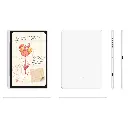
Dimensions 182 x 259 x 7 mm
Work Area 148 x 236 mm
Net Weight 495g
Thickness  7mm 
CPU  MT8781, 8-core processor
Display Resolution  1920*1200 Pixels
Refresh Rate  90Hz
Color Gamut Coverage Ratio (typical)  sRGB 95%
Display Color 16.7 Million
Full Lamination Yes
Brightness (typical) 400nit
RAM  6GB
ROM 128GB
WIFI 802.11a/b/g/n/ac,2.4GHz/5GHz
Audio  Speaker*2, Mircophone *2
Stylus  X3 Pro Pencil 2
Pressure Levels 16384
Initial Activation Force  3g
Accuracy  ±0.4 mm (center) ±1.5 mm(corner)
Reading Height  10mm (center)
Resolution  5080LPI
Power Input  PD 9V⎓ 2.22A or 5V⎓3A
Power Adapter  20W
Power Cord  3A,USB-C to USB-C
Operating system  Powered by Android 14™


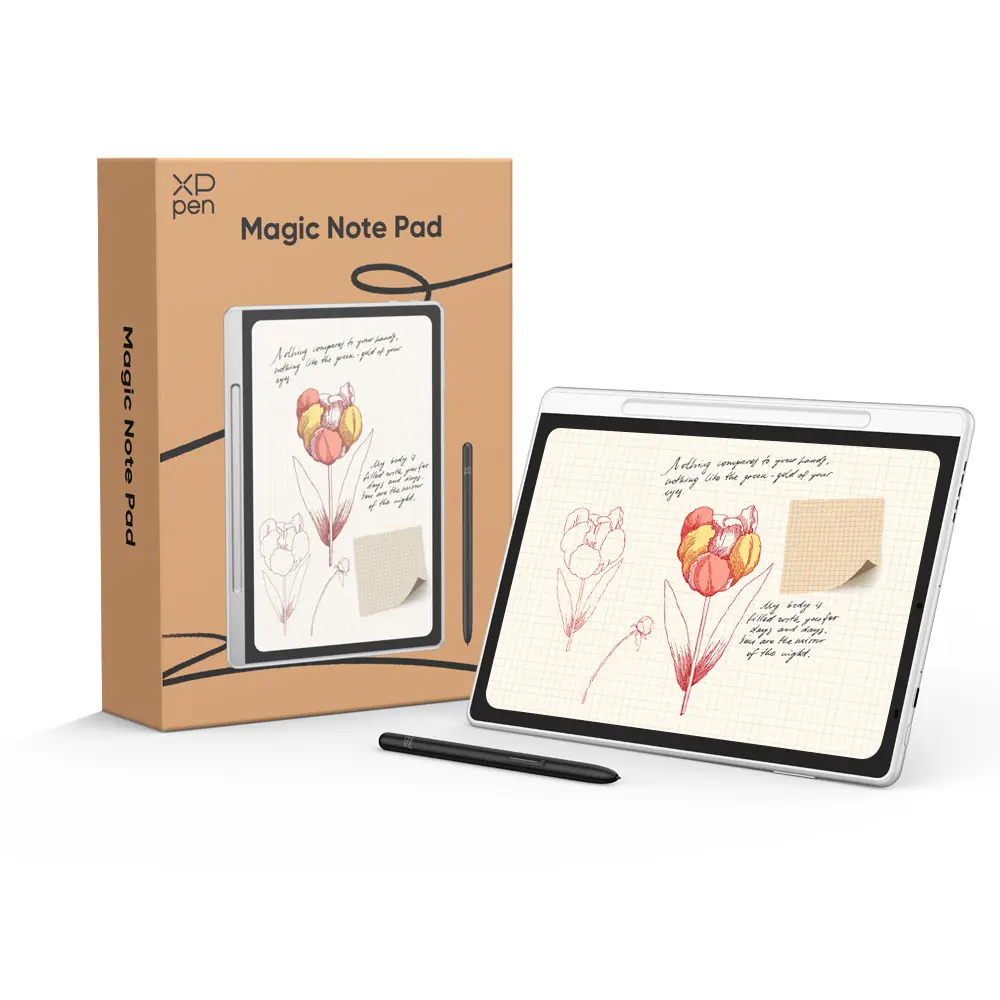
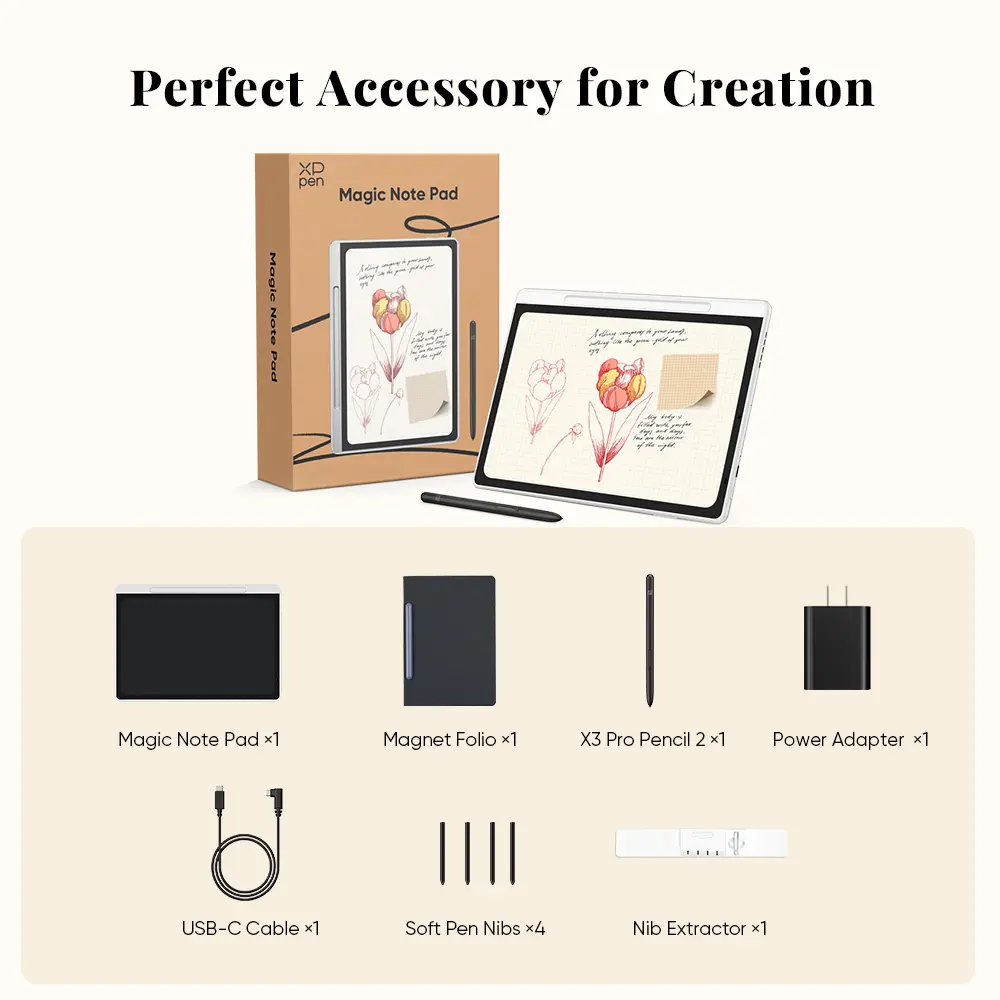
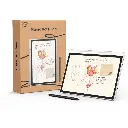
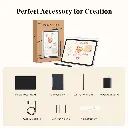
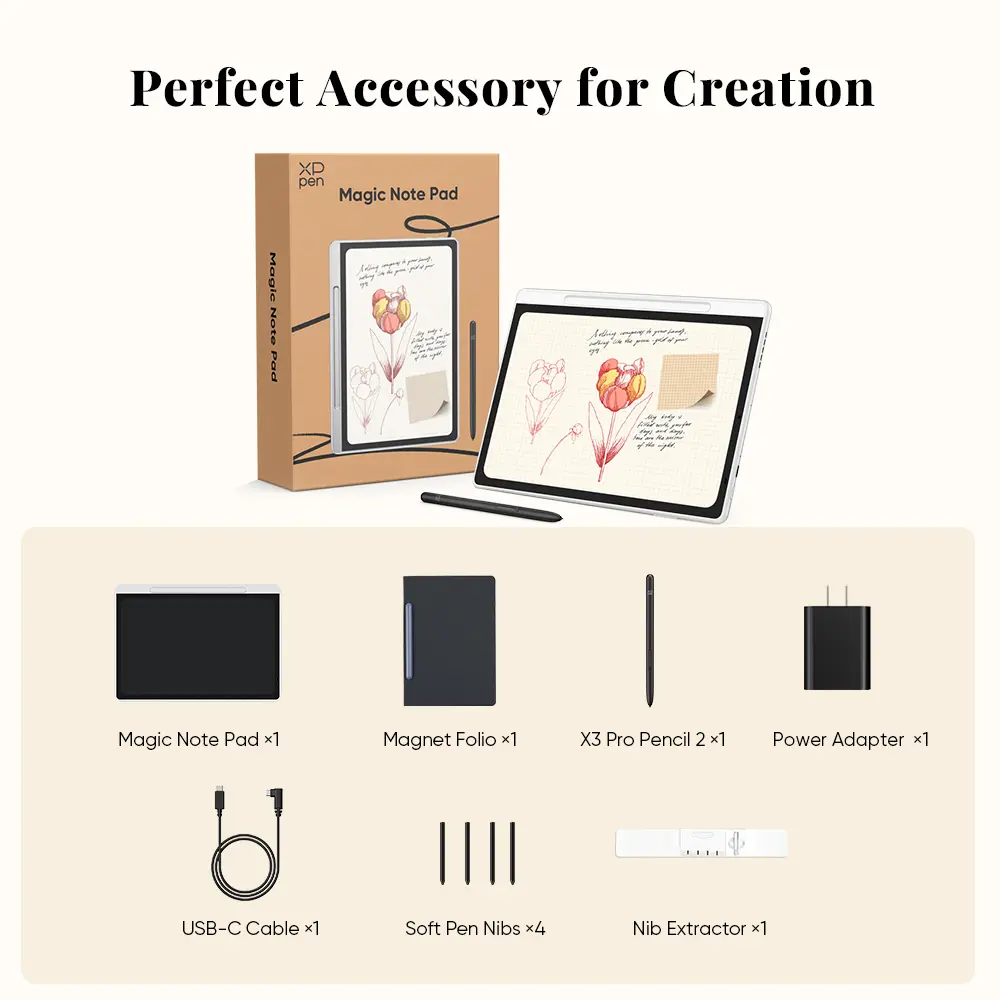
Package Includes 

Item

Quantity

Magic Note Pad 1
Magnet Folio 1
X3 Pro Pencil 2 1
Soft Pen Nibs  4
Nib Extractor  1
USB-C Cable  1
Power Adapter  1